




Intel Core Ultra 9 in 2026: Real-World Performance and Buying Guide
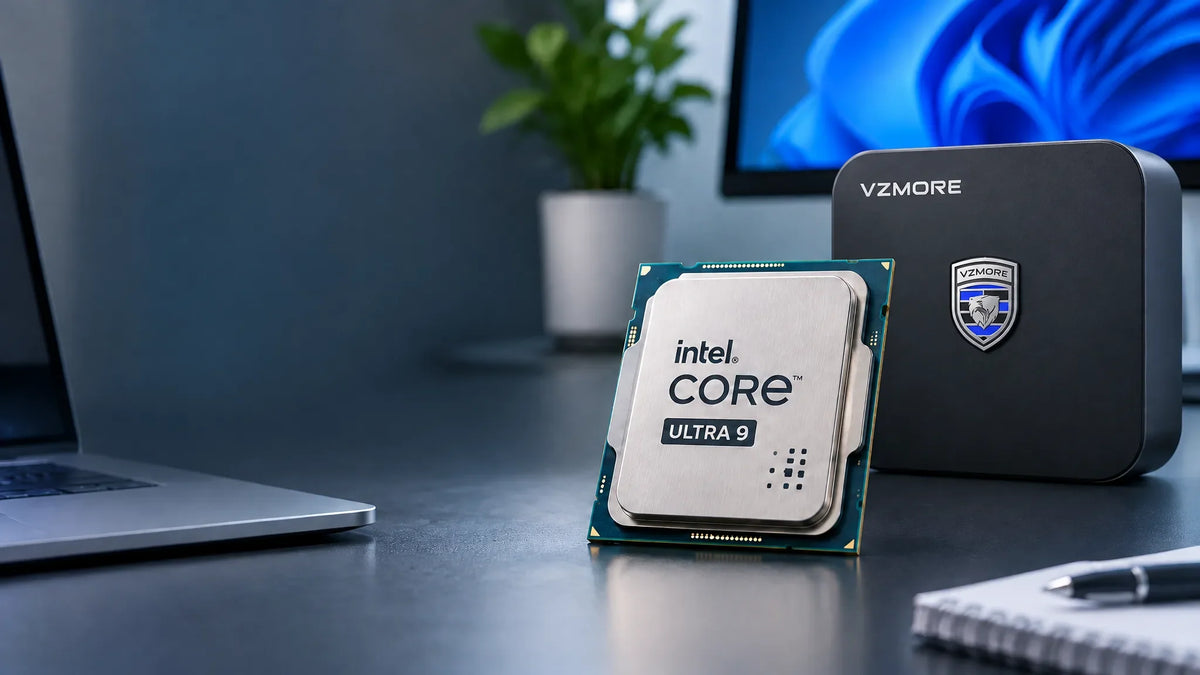
Two PCs can both carry the Intel Core Ultra 9 badge, yet one might be a gaming laptop drawing 55W from the mains, while the other is an ultra-portable running at just 30W. Same name, very different machines. In 2026, the picture is even more complicated, with four generations sharing the Core Ultra 9 name. Here's what you need to know before choosing one.
The Different Intel Core Ultra 9 Generations
A Hybrid Architecture, but Not Always the Same
Since Meteor Lake, Intel has combined three types of cores in its processors. P-cores handle demanding workloads such as rendering, compilation and gaming. E-cores take care of parallel tasks more efficiently, using less power. LP E-cores handle background activity when the system is barely doing anything, helping to extend battery life.
The complication is that this design changes between processor families. HX models do not have LP E-cores. Arrow Lake and Lunar Lake have also dropped Hyper-Threading. Comparing processors by core count alone can therefore be misleading.
| Generation | Architecture | Models |
|---|---|---|
| Series 1 | Meteor Lake | Core Ultra 9 185H |
| Series 2 | Arrow Lake | Core Ultra 9 285H, 275HX, 285HX, 285K |
| Series 2 | Lunar Lake | Core Ultra 9 288V |
| Series 3 | Panther Lake | Core Ultra 9 386H |
The Core Ultra 9 185H was the first of this family. It introduced a tiled chip design, an integrated NPU and Intel Arc graphics. It helped establish the range, but is beginning to show its age.
Arrow Lake covers three different types of processors. H-series chips are designed for high-performance laptops. HX models are high-performance mobile processors aimed at gaming laptops and mobile workstations. They prioritise CPU performance and need substantial cooling. The 285K, meanwhile, is an unlocked desktop processor designed for overclocking.
Lunar Lake takes a different approach. The 288V features memory integrated into the processor package, low power consumption and a much more capable NPU. Unlike H and HX models, it uses a compact eight-core configuration with integrated LPDDR5X memory. It prioritises energy efficiency and AI performance rather than the highest possible CPU core count. You'll typically find it in slim, lightweight laptops.
Panther Lake, represented here by the 386H, introduces Series 3 with a 50-TOPS NPU and a new integrated GPU.
Comparing the Main Intel Core Ultra 9 Processors in 2026
| Model | Generation / Architecture | Cores / Threads | NPU (TOPS) | Typical Use |
|---|---|---|---|---|
| Intel Core Ultra 9 185H | Meteor Lake | 16 / 22 | 11 | Laptops and mini PCs |
| Intel Core Ultra 9 285H | Arrow Lake | 16 / 16 | 13 | High-performance laptops |
| Intel Core Ultra 9 288V | Lunar Lake | 8 / 8 | 48 | Ultra-portable laptops and energy efficiency |
| Intel Core Ultra 9 386H | Panther Lake | 16 / 16 | 50 | New-generation AI and graphics performance |
Note: The TOPS figures above refer to NPU performance only, not the total AI computing performance of the platform. Actual performance also depends on the system configuration and cooling.
What the Processor Suffixes Mean
-
H: High-performance laptop processor, typically around 45W
-
HX: High-performance laptop processor requiring substantial cooling
-
K: Desktop processor with an unlocked multiplier for overclocking
-
V: Low-power processor with integrated memory, designed for ultra-portable laptops
Core Ultra X9: Don't Confuse the Names
The Core Ultra X9 378H and 388H are not Core Ultra 9 processors. They're worth mentioning because their Intel Arc B390 graphics show how far integrated graphics can go. Think of them as a useful performance reference, rather than members of the Core Ultra 9 family.
Always Check the Full Processor Model
A Core Ultra 9 could refer to a chip from 2023 or one launched this year. Check the exact model number (285H, 288V, 275HX and so on), then look at the full specifications, particularly the power limits configured by the manufacturer. The Core Ultra 9 name alone tells you very little.
What Performance Can You Expect from an Intel Core Ultra 9?
Productivity and Multitasking
Thirty browser tabs open, a spreadsheet running and a video call with background blur: any Core Ultra 9 should handle this without much difficulty. That's not where the main differences appear.
The gap becomes more noticeable when several demanding tasks run at once. A large Excel file, an overloaded browser, Microsoft Teams and a virtual machine running in the background can put additional threads to work. This is where processors with more available cores and threads can make a difference.
Content Creation
For 4K video editing, batch photo processing and encoding, CPU cores matter, but the GPU's media engines are important too, particularly for AV1 encoding and decoding.
Not all software uses Intel hardware acceleration in the same way. Some applications take full advantage of it, while others may not. Before relying on a manufacturer's performance claims, check how your own creative software performs on the processor you're considering.
Gaming
Here's a specific example: a Core Ultra X9 388H with Arc B390 graphics can deliver around 64 FPS in Cyberpunk 2077 at 1080p Medium, rising to 92 FPS with XeSS. This result applies to that particular chip. The older 185H, with its first-generation Arc graphics, performs considerably less well.
For occasional gaming or less demanding titles, a modern integrated GPU can be sufficient. If you want to play recent games at high settings, work with 3D applications or handle GPU rendering, a dedicated graphics card is still the better option. That's one reason the 275HX and 285HX are often paired with separate graphics solutions: a powerful CPU with a dedicated GPU alongside it.
How to Read Benchmarks Without Being Misled
A benchmark score on its own doesn't tell you much. Start with power limits. The same processor can perform very differently at 28W in a slim laptop and 65W in a mini PC.
Next, consider test duration. A five-minute benchmark may favour systems that take longer to heat up. Tests lasting 10 to 30 minutes give you a better idea of sustained performance.
Memory also matters. Single-channel memory or memory with insufficient bandwidth can limit integrated GPU performance.
Finally, remember what each score represents: single-core performance is relevant to responsiveness and some games, while multi-core performance matters more for rendering and encoding.
NPU and Artificial Intelligence: What Can a Core Ultra 9 Do?
What Does Each Processor Do?
The CPU can handle a wide range of tasks, but it can become inefficient when dealing with demanding AI workloads. The GPU is generally better suited to heavier parallel computing tasks.
The NPU is a specialised processor designed to accelerate AI workloads. It can handle certain background tasks, such as noise reduction during video calls, camera effects and compatible AI model execution.
Its main advantage is that it can perform these tasks with lower power consumption than running them exclusively on the CPU or GPU. However, applications must support the NPU to benefit from it.
TOPS: Two Different Figures, One That Matters
Intel also publishes a total platform figure that combines the CPU, GPU and NPU. It may look impressive in a product presentation, but it isn't the figure used to determine Copilot+ PC eligibility. For that, the NPU's own TOPS rating is what matters.
| Model | NPU Performance |
|---|---|
| Core Ultra 9 185H | 11 TOPS |
| Core Ultra 9 285H | 13 TOPS |
| Core Ultra 9 288V | 48 TOPS |
| Core Ultra 9 386H | 50 TOPS |
Microsoft sets the NPU requirement at 40 TOPS. The 288V and 386H meet this threshold, while the 185H and 285H do not.
That doesn't mean the latter two processors cannot handle AI tasks. They can still run many everyday AI features perfectly well. They simply won't qualify for features reserved for Copilot+ PCs.
Local AI: RAM Matters More Than TOPS
If you want to run a language model locally on your computer, set TOPS aside for a moment. Memory is often the first limitation you'll encounter.
A model with 7–8 billion parameters can already consume several gigabytes of memory, even when quantised. Generation speed also depends heavily on memory bandwidth.
With 16GB, you can experiment. With 32GB, you have considerably more room to work. Check the memory specification before looking at almost anything else, particularly if you plan to run local AI models regularly.
Power Consumption, Temperatures and Cooling
Base Power, Turbo Power and Real-World Performance
Intel specifies two reference power figures: Processor Base Power (PBP) and Maximum Turbo Power (MTP).
PBP represents the processor's base power under Intel's reference conditions, while MTP is the maximum power allowed during turbo operation. Neither figure guarantees the actual power consumption of the processor in a particular computer.
For the Core Ultra 9 185H, Intel specifies a PBP of 45W and an MTP of 115W. In practice, however, the manufacturer sets the power limits in the BIOS. A mini PC or slim laptop may therefore operate at considerably lower limits.
When comparing two computers with the same processor, pay particular attention to sustained power under a prolonged workload.
What Happens When a Processor Gets Too Hot?
When a processor reaches its thermal limits, it reduces its operating speed to prevent overheating. This is known as thermal throttling.
You may notice it when an export starts quickly but gradually slows down. BIOS settings, the selected power profile and the quality of the cooling system all influence how well a processor maintains its performance.
The Challenge of Cooling a Mini PC
A mini PC packs a processor, memory and SSD into a chassis barely larger than a book. Airflow is restricted and heat has less room to dissipate. Maintaining high performance during prolonged workloads is therefore more difficult than in a full-sized desktop tower.
In many cases, cooling rather than the processor itself is what separates a good mini PC from a disappointing one.
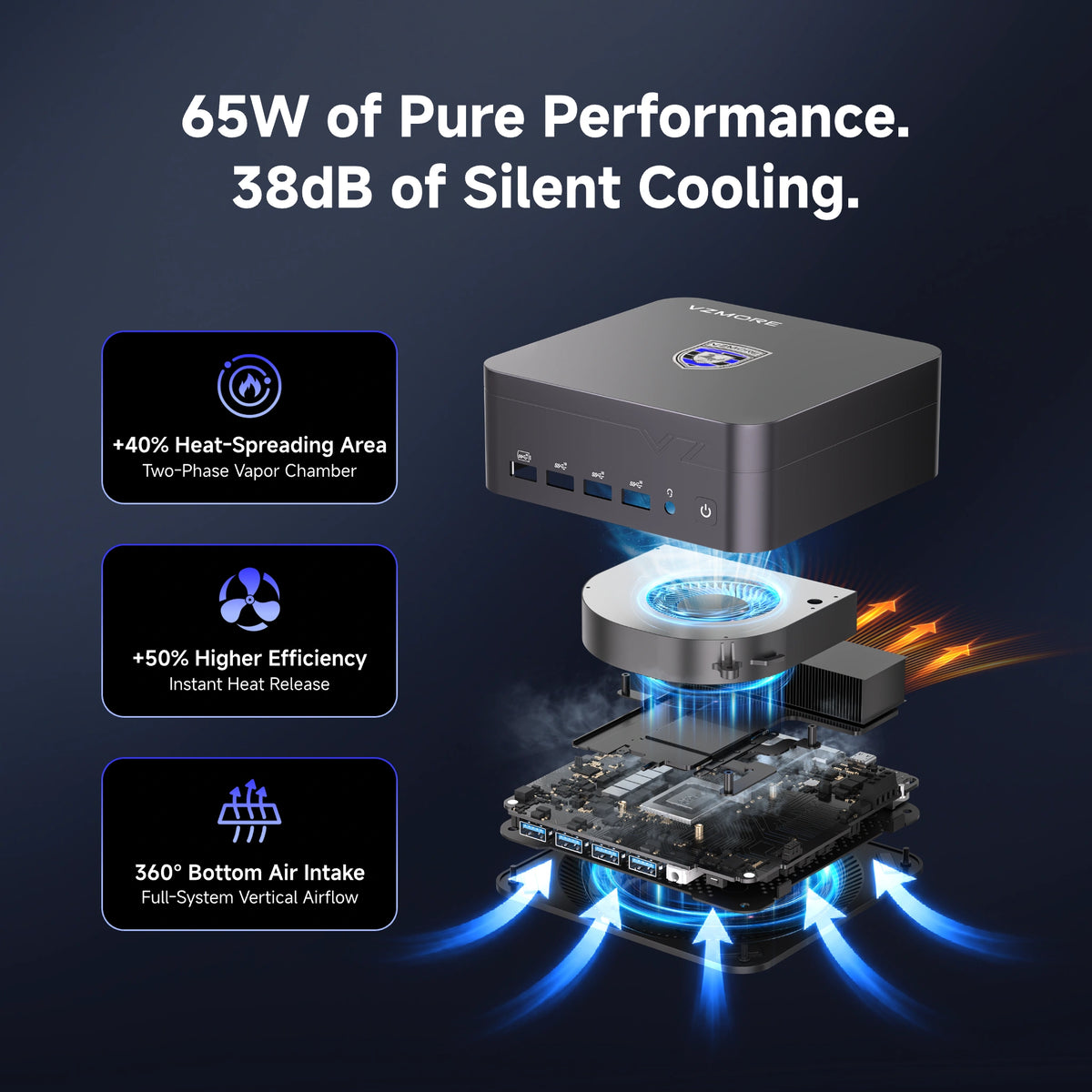
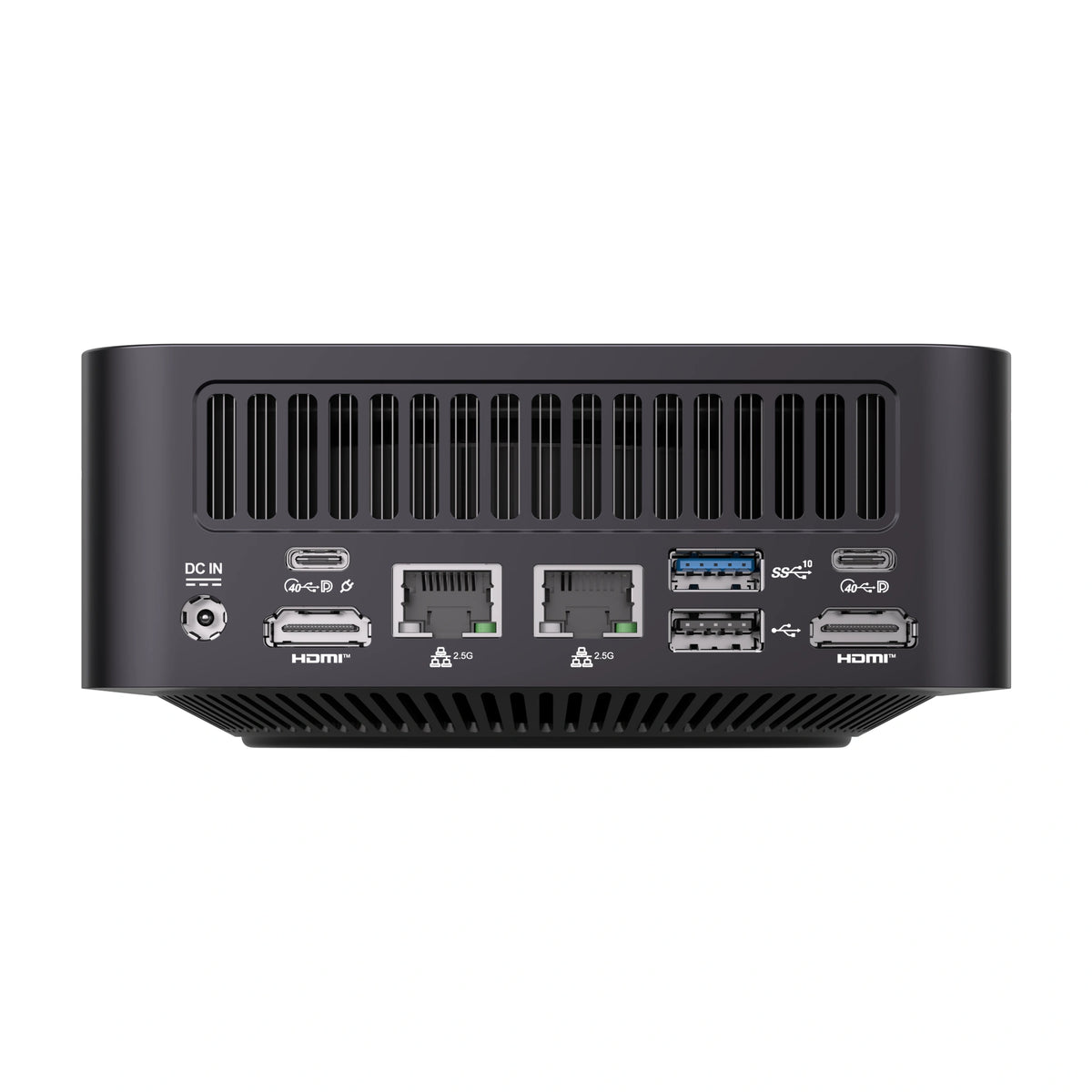
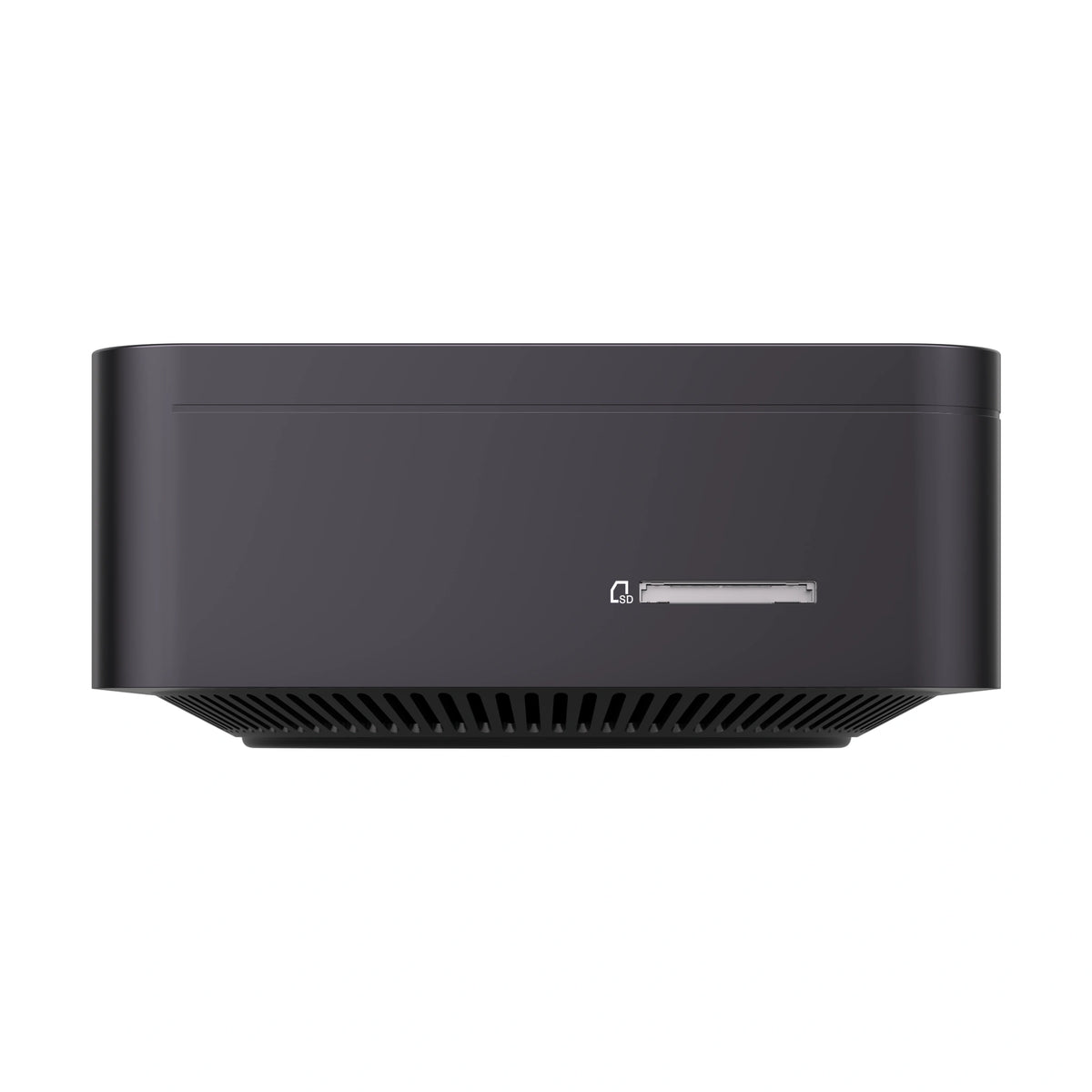
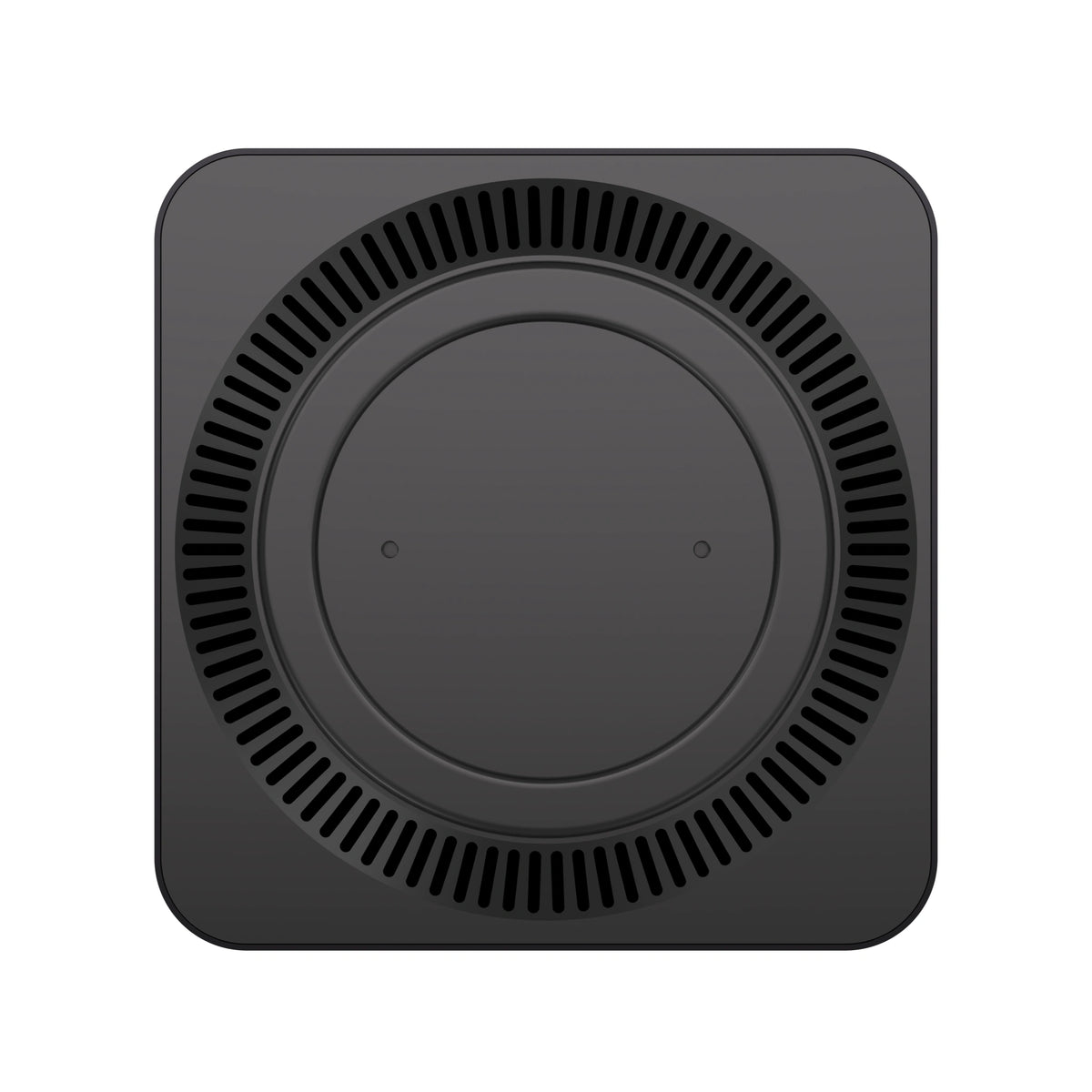
This is where the VZMORE iX9 Max aims to stand out. According to the manufacturer, it uses a vapour chamber cooling system (V-Cooling), 360-degree air intake from underneath and three V-Boost power profiles at 20W, 40W and 65W, allowing users to prioritise quieter operation or higher performance.
The 34.5°C temperature and 40dBA noise figures highlighted by the brand are manufacturer-reported results. They have not, to my knowledge, been independently verified, so it's best to treat them as indicative figures rather than guaranteed real-world results.
Core Ultra 9 vs Core Ultra 7: Which Should You Choose?
On paper, Core Ultra 9 processors sit at the top of Intel's range. In practice, their specifications vary considerably depending on the generation and suffix.
Some models prioritise core count and multi-core performance, while others focus more on energy efficiency, integrated graphics or AI acceleration. The exact processor model therefore matters more than the Ultra 9 label alone. In real-world use, the generation can matter more than the number.
A recent Core Ultra 7 can outperform an older Core Ultra 9 in NPU performance, efficiency and integrated graphics. For example, a Series 3 Ultra 7 can handle AI workloads more effectively than the older 185H.
So when should you choose an Ultra 9? When your workload genuinely requires it: heavy multitasking, regular content creation, software compilation, simulation or virtualisation.
For web browsing, office applications and video calls, an Ultra 7 is usually more than enough and costs less. There's little point paying extra without a specific performance requirement.
Which Type of Computer Should You Choose with an Intel Core Ultra 9?
A mini PC is compact and powerful for its size, making it ideal as a fixed workstation. The trade-off is limited upgradeability and a greater cooling challenge under sustained workloads.
A laptop offers portability and battery life, but performance depends heavily on the chassis and cooling design. Two laptops with the same processor can perform very differently.
A desktop PC generally offers the highest performance potential and the most upgrade options, although it takes up more space. This is where the Core Ultra 9 285K fits best.
Before buying, check four things:
-
RAM: 16GB is a sensible minimum, while 32GB is preferable for content creation and local AI. Also check whether the memory is soldered or upgradeable.
-
SSD: Look for NVMe PCIe Gen 4 or newer storage, ideally with an additional slot for future expansion.
-
Cooling: Focus on sustained-load tests rather than short peak-performance benchmarks.
-
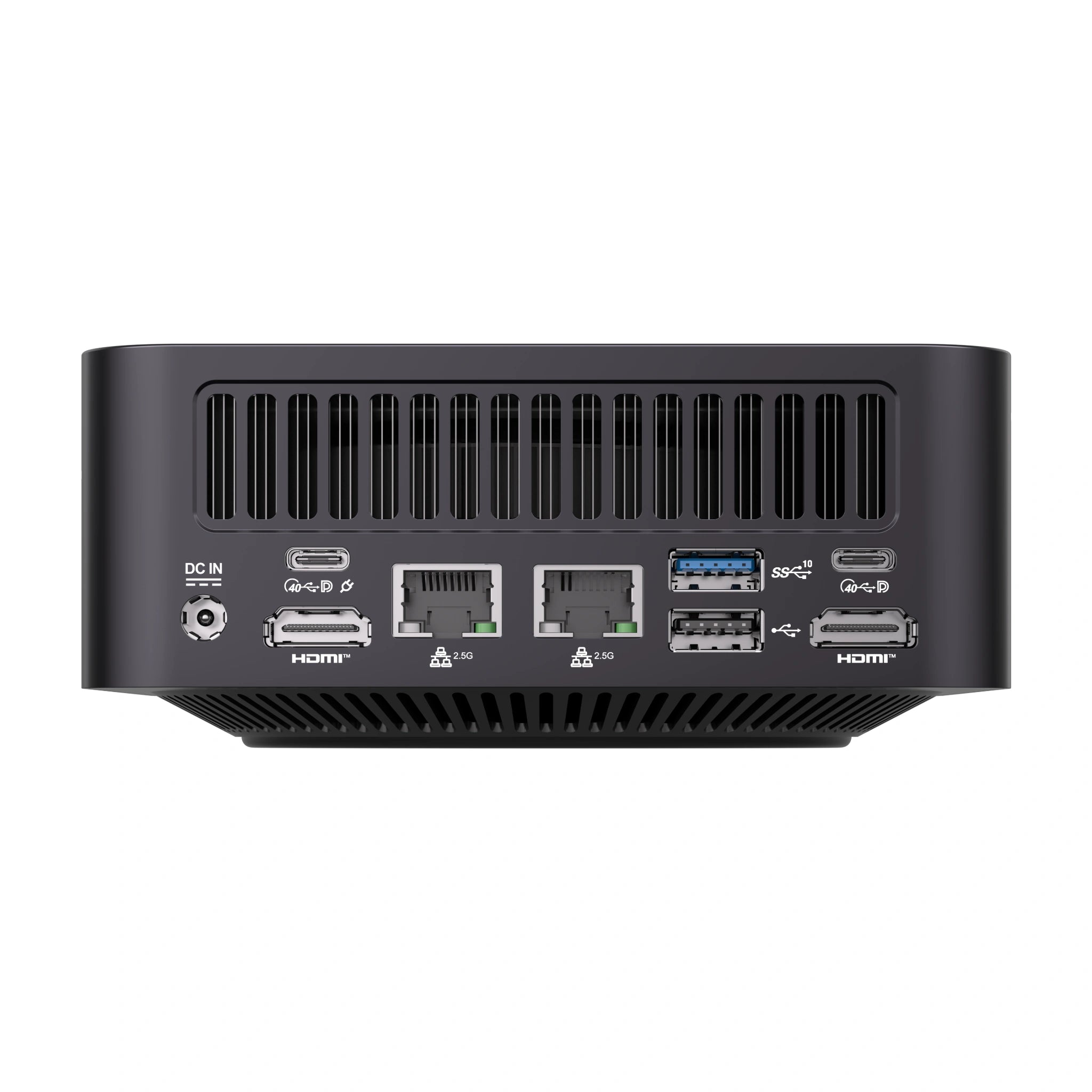
Connectivity: Check for USB4, modern HDMI or DisplayPort, 2.5GbE Ethernet, Wi-Fi 6E or Wi-Fi 7, and the actual number of displays supported.
A Practical Example: The VZMORE iX9 Max
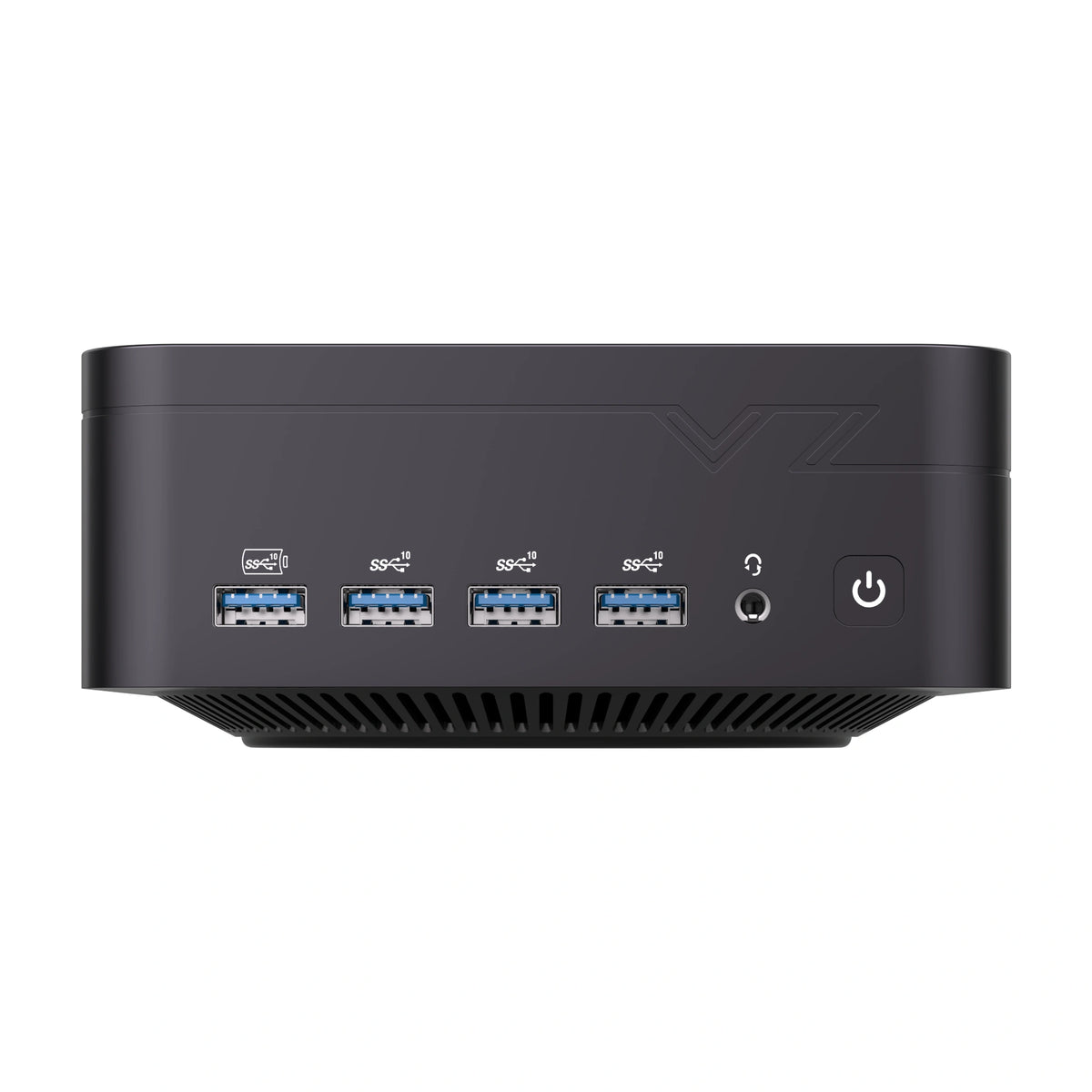
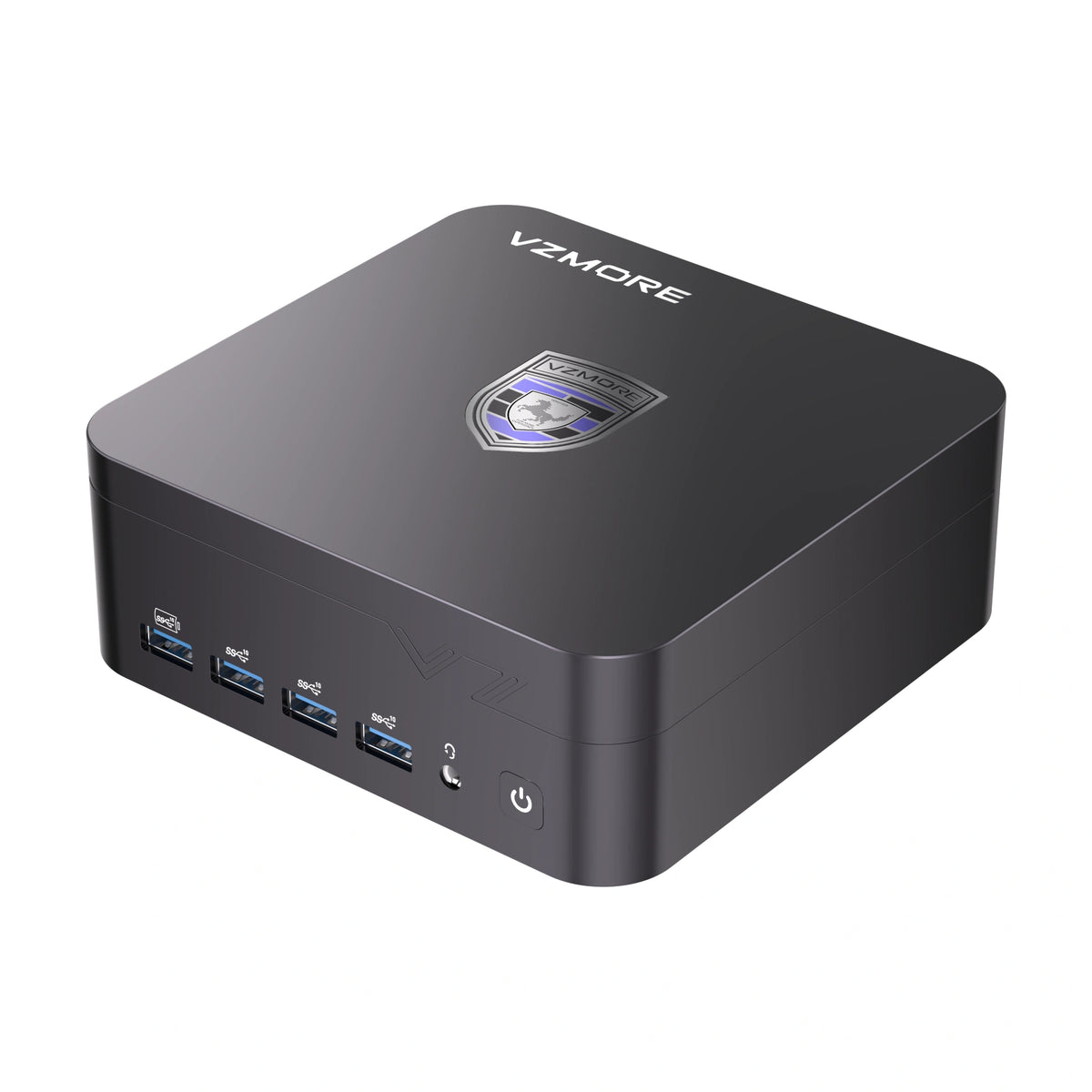
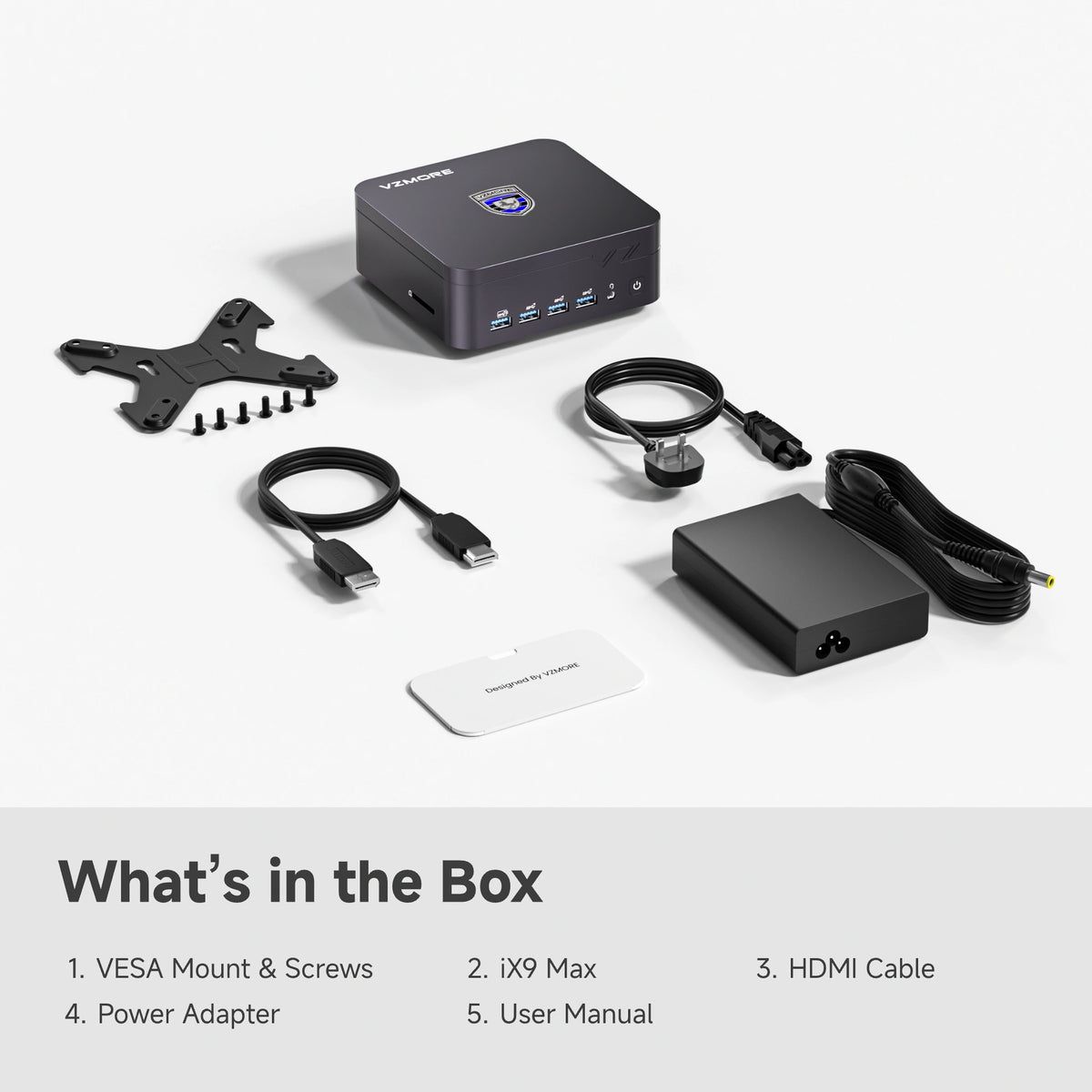
The VZMORE iX9 Max features an Intel Core Ultra 9 185H. Its key specifications include:
-
16 cores and 22 threads, with a maximum boost frequency of 5.1GHz
-
Intel Arc Graphics and an NPU delivering up to 11 TOPS
-
24GB onboard LPDDR5 memory, which is not upgradeable
-
1TB PCIe Gen 4 SSD, plus a second M.2 2242 slot
-
Two USB4 ports, two HDMI 2.0 ports, dual 2.5GbE Ethernet and Wi-Fi 7
-
Support for up to four displays
For productivity, this is a capable configuration. It has plenty of threads for multitasking, multi-display support, dual Ethernet for professional environments and a second M.2 slot for storage expansion.
There are two important limitations, though. The 185H is a Meteor Lake Series 1 processor, so it isn't from Intel's latest generation. Its 11-TOPS NPU also falls short of the Copilot+ PC requirement. Finally, the RAM is soldered and cannot be replaced later, so make sure the capacity meets your needs before buying.
Which Core Ultra 9 Should You Choose for Your Workload?
| Use Case | Processor to Consider | Main Advantage |
|---|---|---|
| All-round mini PC | Core Ultra 9 185H | Productivity and multitasking |
| High-performance laptop | Core Ultra 9 285H | Demanding applications |
| Gaming laptop | Core Ultra 9 275HX / 285HX | High CPU performance |
| AI-focused ultra-portable laptop | Core Ultra 9 288V | Energy efficiency and 48-TOPS NPU |
| Newer laptop | Core Ultra 9 386H | Panther Lake architecture and 50-TOPS NPU |
| High-end integrated graphics | Core Ultra X9 378H / 388H | Intel Arc B390 graphics |
There is no single best Core Ultra 9 processor. The right choice depends on the generation, the power available to the chip, the cooling system and what you intend to use it for.
Intel Core Ultra 9 FAQ
Is the Intel Core Ultra 9 185H Still Worth Buying in 2026?
Yes, for productivity and multitasking, provided the price is right. If you specifically need Copilot+ features or a newer integrated GPU, consider a more recent processor instead.
Is Intel Core Ultra 9 Better Than Core Ultra 7?
Not necessarily. At the same generation, the Ultra 9 generally offers a higher position in the range. However, a newer Ultra 7 can outperform an older Ultra 9, particularly in NPU performance and energy efficiency.
Which Core Ultra 9 Processors Are Compatible with Copilot+ PCs?
Processors with an NPU rated at least 40 TOPS meet the NPU performance requirement. This includes the 288V (48 TOPS) and 386H (50 TOPS). The 185H and 285H do not meet that threshold.
How Much RAM Do You Need in a PC with a Core Ultra 9?
16GB is sufficient for everyday professional use. For content creation, virtualisation or local AI, 32GB is a better target. If the RAM is soldered, choose carefully before buying because you won't be able to upgrade it later.
What Is the Difference Between Intel Core Ultra 9 and Intel Core i9?
Core Ultra replaced Intel's previous naming approach for these processor families. The newer range introduces more advanced hybrid cores, integrated Arc graphics and an NPU, which older Core i9 processors did not have.
However, the name alone does not guarantee a performance improvement. You need to compare the exact processor models and their specifications.

VZMORE is a leading manufacturer of AI Mini PCs. Our systems combine whisper-quiet VC cooling, high performance, and intelligent AI processing power—tailored for demanding applications in home offices, creative workflows, and edge computing. Enjoy free shipping on all orders.
Recommended Product







Related Articles
Subscribe to Newsletter
Get the latest news, product updates, and exclusive offers delivered straight to your inbox.