




Mac vs Windows: Which Operating System Is Right for Your Everyday Needs?
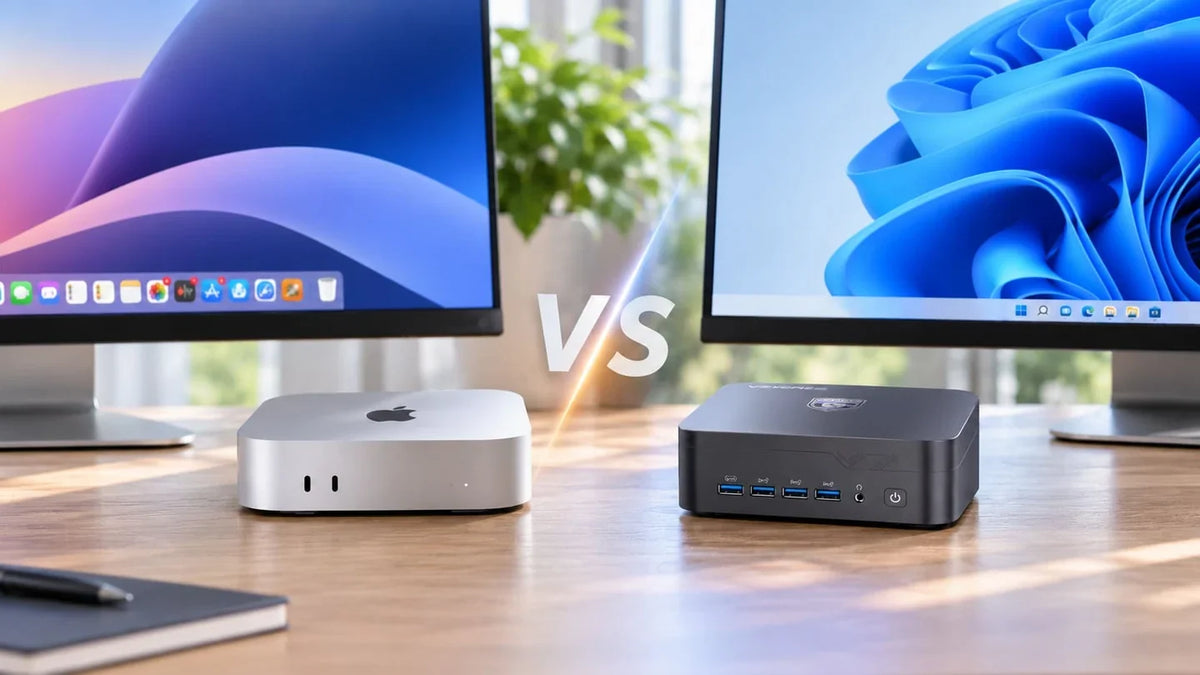
Starting a new job often brings up the same question: should you choose a Mac or a Windows PC? Which software will you need? Will you want to upgrade the memory or storage in a few years? Choosing the right computer from the outset can help you avoid limitations in your day-to-day work and future projects.
The decision often comes down to two different approaches: Apple's tightly integrated hardware and software ecosystem, or Windows, a more flexible platform with a much wider choice of hardware.
Two Different Approaches: A Closed Ecosystem vs a Flexible Platform
When comparing Mac and Windows, it is important to understand that they follow different design philosophies.
Apple develops both its operating system and the main components used in its computers, including its own processors. This close integration allows Apple to optimise hardware and software together. It also provides access to creative applications such as Final Cut Pro and Logic Pro. The trade-off is that buyers must choose from Apple's available hardware configurations, and memory cannot be upgraded after purchase.
Windows, by contrast, is designed to run on computers from many different manufacturers, in a wide range of sizes and configurations. Buyers can choose from more processors, memory capacities, storage options, ports and graphics solutions. Not every Windows PC is upgradeable, but the overall choice is considerably broader.
The following comparison looks at eight everyday situations, from professional software and gaming to local AI and peripheral connectivity.
Eight Situations Where Mac and Windows Differ
1. The Software You Need Only Runs on Windows
You need to create CAD designs in SolidWorks or work with Power BI Desktop. In these situations, Windows is the straightforward choice for native compatibility. SolidWorks does not offer a native macOS version, while Power BI Desktop requires Windows. Mac users can still access some Power BI features through a web browser.
On Macs with Apple silicon, it is possible to run Windows 11 ARM using virtualisation software such as Parallels Desktop. Many x86 and x64 applications can run through Windows' translation layer, but compatibility is not guaranteed. Some drivers, plug-ins and specialist applications may have limitations, and you may also need a separate Windows licence.
Winner: Windows
2. Programming, Linux and Working with Containers
If your development work involves Linux, Docker or other tools commonly used in Unix-based environments, Windows offers the Windows Subsystem for Linux (WSL). It allows you to run a Linux distribution and many of its tools directly within Windows, without setting up a traditional virtual machine or restarting your computer.
You can also install Linux alongside Windows in a dual-boot configuration, provided your hardware is compatible. This gives you the option of running a full Linux environment when needed and switching back to Windows for applications that are not available on Linux.
macOS already provides a capable Unix-based terminal and is a solid development platform for many workflows. Linux can run in a virtual machine and can also be installed natively on certain Apple silicon Macs through projects such as Asahi Linux. However, compatibility depends on the Mac model and chip, and some hardware features may not be fully supported.
Winner: Windows for broader flexibility; a draw for many Unix-based development workflows
3. Video Editing, Photography and Music Production
If you work as a graphic designer, video editor or music producer, software availability and performance are important considerations.
Most major creative applications are available on both platforms. These include Adobe Premiere Pro, After Effects, Lightroom, DaVinci Resolve and many music production tools. macOS also has access to well-regarded exclusive applications such as Final Cut Pro and Logic Pro.
When choosing a PC for content creation, check more than just software compatibility. Memory capacity, storage and graphics performance can all affect your workflow.
With a Mac, you need to choose the right memory and internal storage configuration when buying, as there is no official option to upgrade them later. Windows offers a wider range of hardware configurations. Desktop PCs often allow you to replace the graphics card, while some mini PCs offer expansion options such as USB4 or OCuLink for external graphics solutions.
Winner: A draw, unless you rely on Apple-exclusive software or need a particular hardware configuration
4. Gaming After Work
If you want to play your favourite games after a long day, operating system compatibility matters. You also need to choose a gaming mini PC with enough graphics performance for the titles you play.
Apple has gradually expanded the range of games available on macOS, but the gap between Mac and Windows gaming remains considerable. According to the Steam Hardware & Software Survey for October 2026, macOS accounted for around 2.35% of participating systems.
Windows supports the vast majority of the Steam catalogue, as well as other platforms such as the Epic Games Store and Xbox app. It also offers broader compatibility with games that rely on specific anti-cheat systems, drivers and gaming accessories.
Winner: Windows
5. Using an iPhone or iPad Every Day
If you own an iPhone or iPad and regularly use Apple's services, a Mac makes it much easier to move between devices.
Features such as AirDrop, iMessage, Handoff, Universal Clipboard and other Continuity tools allow you to share files and pick up tasks across Apple devices with minimal effort.
Windows can also connect to an iPhone through Phone Link, allowing you to access certain calls, messages and notifications, although the available features are more limited. iCloud for Windows also provides access to synced photos, files, passwords and other content.
Winner: Mac
6. Running AI Directly on Your Computer
If you want to run AI models locally rather than send information to third-party servers, both Mac and Windows offer useful options.
Local AI models can require substantial amounts of memory. The Mac mini with the M6 chip supports up to 32GB of unified memory, while the M5 Pro configuration supports up to 64GB. You must select the required memory capacity when purchasing, as it cannot be upgraded afterwards.
Some Windows mini PCs offer up to 128GB of unified memory, while others use upgradeable DDR5 memory installed in SO-DIMM slots. The best choice depends on the processor architecture and the size of the AI models you intend to run.
Tools such as Ollama and LM Studio are available on both platforms. If you are not limited to mini PCs, more powerful systems are also available, including certain Mac Studio configurations and Windows workstations.
Winner: Windows in the mini PC category when you need more memory capacity or a wider choice of configurations
7. Running Out of Storage Three Years Later
Video and photo libraries, AI models and professional projects can take up more storage space over time. This makes upgrade options an important consideration when choosing a computer for long-term use.
On current Macs, unified memory cannot be upgraded after purchase, and Apple does not offer an official internal storage upgrade. If you need more space, you can use an external SSD or network-attached storage (NAS). However, this means connecting another device and using an additional port.
Many Windows mini PCs allow you to replace the M.2 SSD or install a second drive. Some models also have SO-DIMM slots for upgrading RAM. These options depend on the design of each computer, so check the manufacturer's specifications before buying.
Winner: Windows
8. Multiple Monitors, Networking and Peripherals
For creative work, programming, data analysis and streaming, a single monitor may not provide enough screen space. Connectivity is therefore an important factor when choosing between a Mac and a Windows PC.
Having multiple video outputs, fast networking and enough ports for printers, scanners, card readers and external storage can reduce the need for adapters and docking stations.
According to Apple's specifications, the current Mac mini M6 supports up to three external displays simultaneously. However, compatibility with particular peripherals and drivers should still be checked individually.
Windows mini PCs generally offer a wider range of port layouts and configurations. Depending on the model and graphics solution, some systems can connect three or four displays through HDMI, DisplayPort or USB-C.
Winner: Windows when you need a wider choice of connections; the exact result depends on the model
Mac vs Windows: A Quick Comparison
| Situation | Mac | Windows | Winner |
|---|---|---|---|
| Windows-only software | Virtualisation, with possible limitations | Native compatibility | Windows |
| Linux and containers | Unix terminal, virtual machines and Asahi Linux on compatible models | WSL or dual boot | Windows or a draw, depending on workflow |
| Video, photography and music | Final Cut Pro, Logic Pro, Adobe and DaVinci Resolve | Adobe, DaVinci Resolve and more hardware choices | Draw |
| PC gaming | Smaller compatible game catalogue | Much broader game and peripheral compatibility | Windows |
| iPhone and iPad integration | Full ecosystem integration | Basic features through Phone Link and iCloud | Mac |
| Local AI in a compact system | Mac mini with up to 32GB or 64GB, depending on chip | Models with up to 128GB or upgradeable memory | Windows |
| RAM and SSD upgrades | No official post-purchase upgrades | Often possible, depending on the model | Windows |
| Displays and peripherals | Up to three displays on the current Mac mini | Wider choice of ports and configurations | Windows, depending on the model |
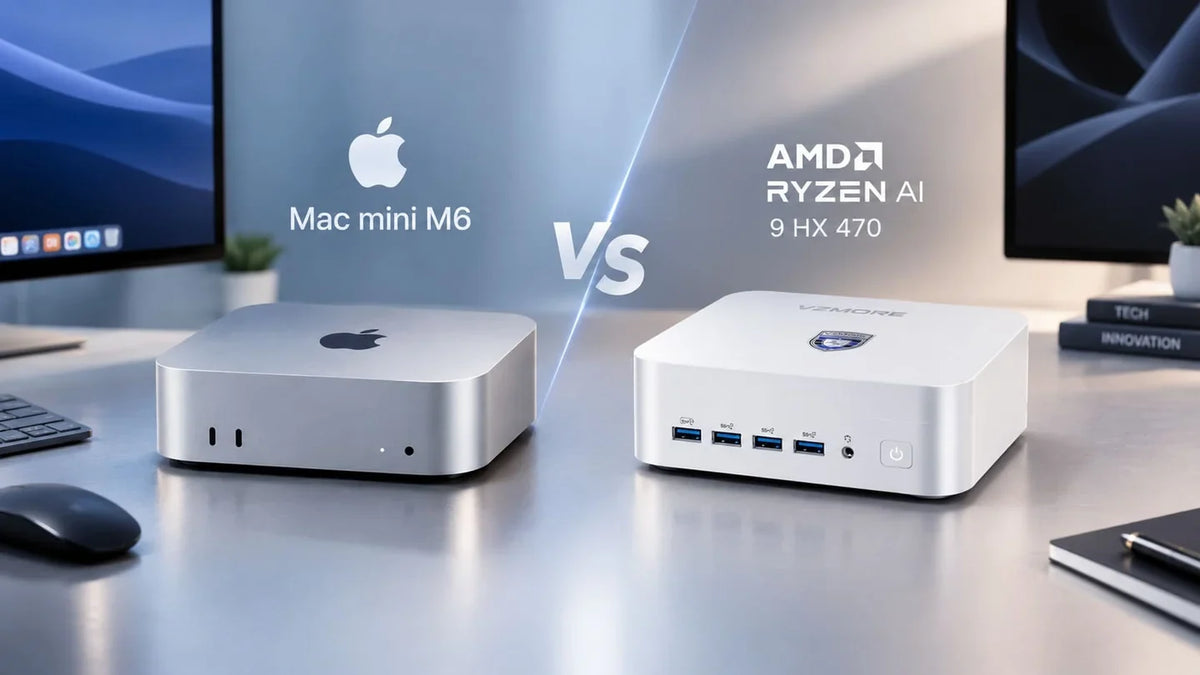
For a more detailed look at hardware performance and expandability, read our comparisons of the Mac mini M6 vs AMD Ryzen AI 9 HX 470 and the Mac mini M5 Pro vs Ryzen AI 9 HX 470.
Mac or Windows? The Best Choice for Different Types of Users
Students and Developers
You need Linux tools for programming and container projects, want to experiment with local AI, and enjoy playing games in your spare time.
A Windows PC is usually the more flexible option for combining these activities. You can use Linux tools through WSL, configure a dual-boot system when you need a full Linux environment, and access a much wider range of PC games.
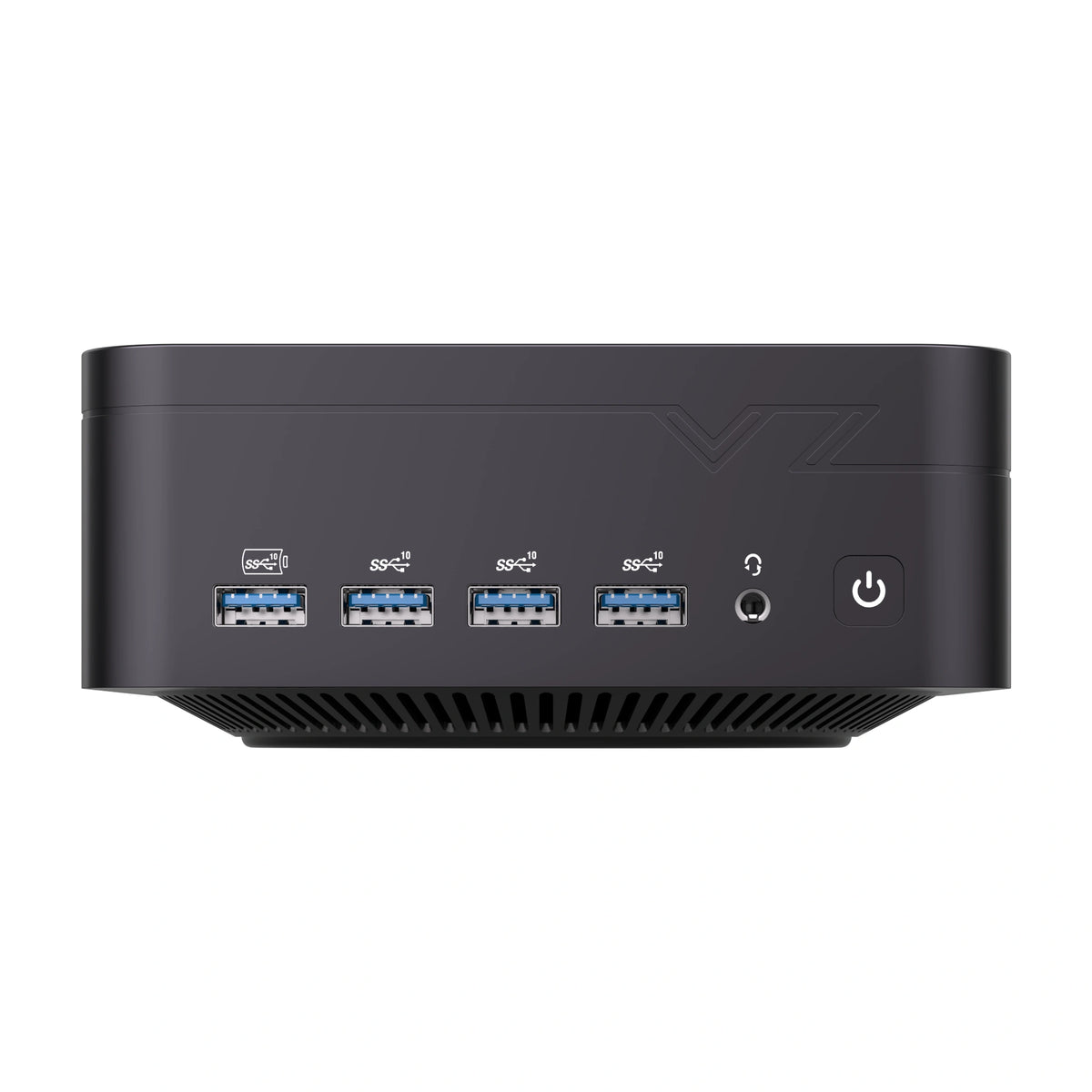
These workloads can require considerable processing power, particularly if you want to run AI models locally. The VZMORE AX9 Max, equipped with an AMD Ryzen AI 9 HX 470 processor, is designed for demanding workloads.
Technical, Office and Data-Heavy Work
You need to create designs, analyse data with tools such as CAD or Power BI, and connect multiple monitors to make your workflow more efficient.
Many business and technical applications are primarily developed for Windows. In these situations, software compatibility, connectivity and the range of available hardware configurations can make a Windows mini PC a more practical choice.
For office work, data analysis and business applications, the VZMORE iX7 is worth considering. If you plan to use CAD, local AI or other demanding software, look for a system with more memory and graphics performance, such as the AX9 Max.
Content Creators Who Also Game or Use AI
You work on creative projects, use local AI to speed up certain tasks and want to play games after work.
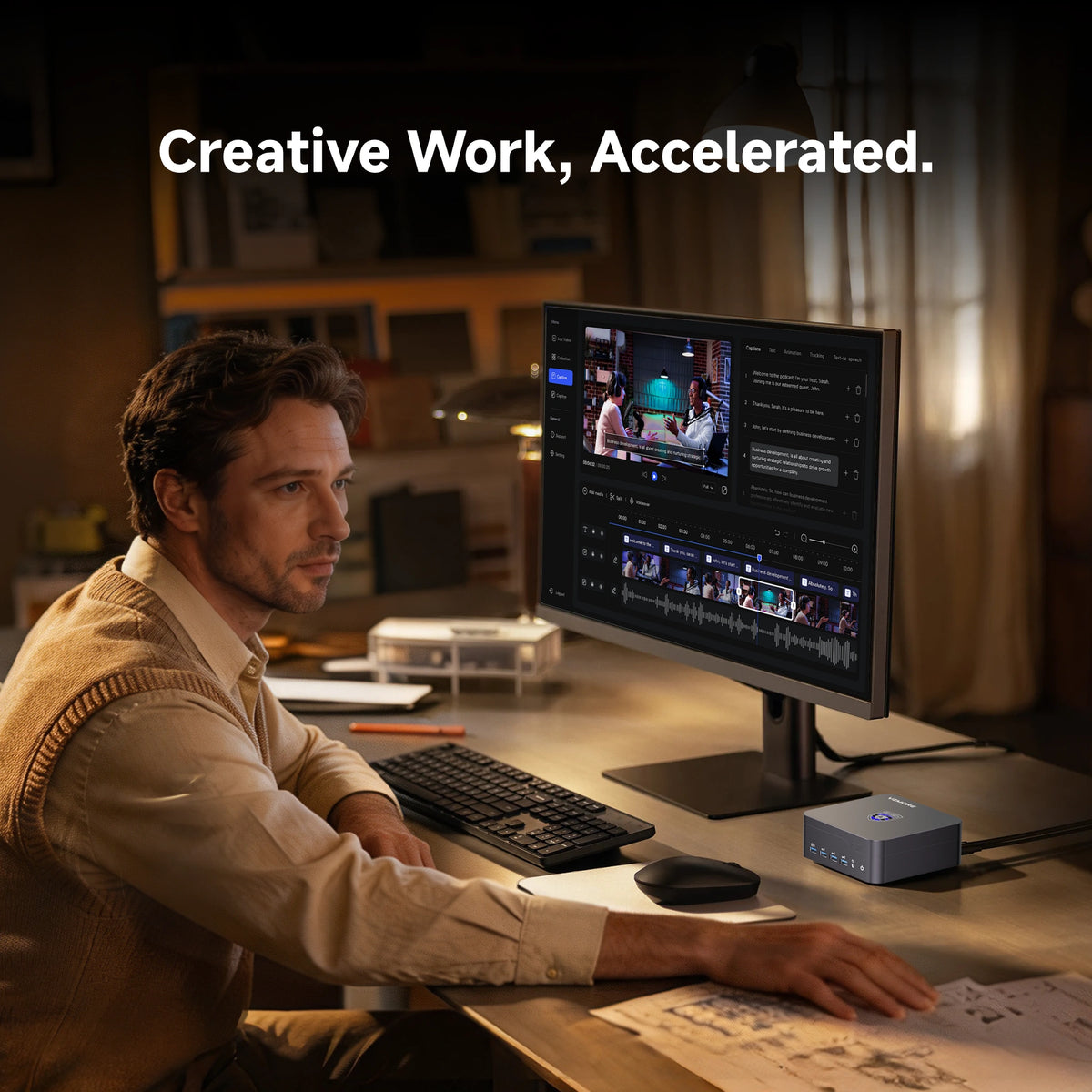
Applications such as DaVinci Resolve and Premiere Pro, along with local AI models, can require a capable GPU, plenty of memory and fast storage. The AX9 Max combines these capabilities in a compact system and can also handle gaming, depending on each title's requirements.
Users Deeply Invested in Apple's Ecosystem
You take photos and videos with your iPhone, use an iPad and regularly work with applications such as Final Cut Pro or Logic Pro.
In this situation, the convenience of Apple's ecosystem may matter more than hardware upgradeability. A Mac is a strong option if you regularly rely on Apple's exclusive software and services. Just make sure you choose the right memory and storage configuration at the time of purchase.
Recommended Product
Mini PCs for a More Productive Desktop Setup
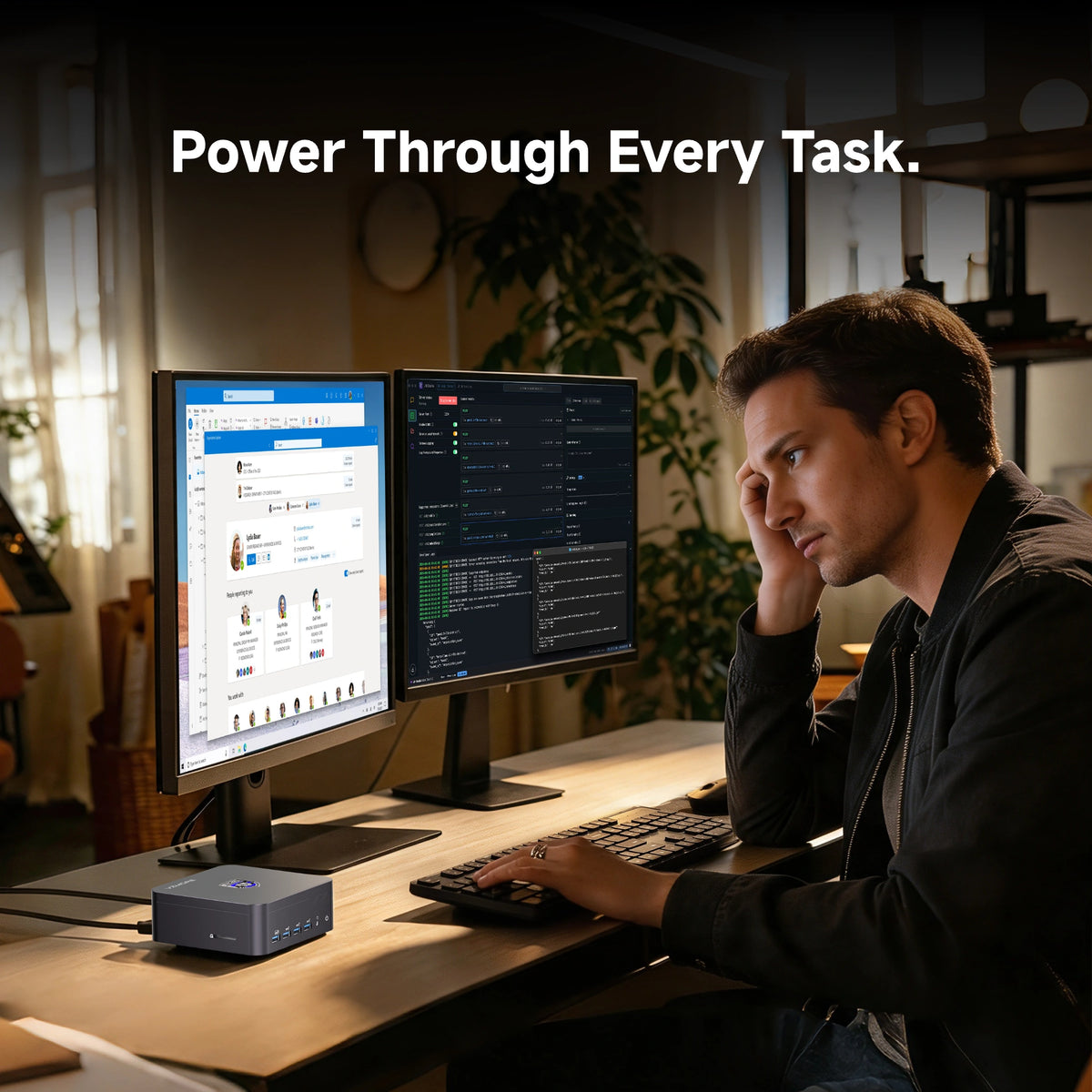
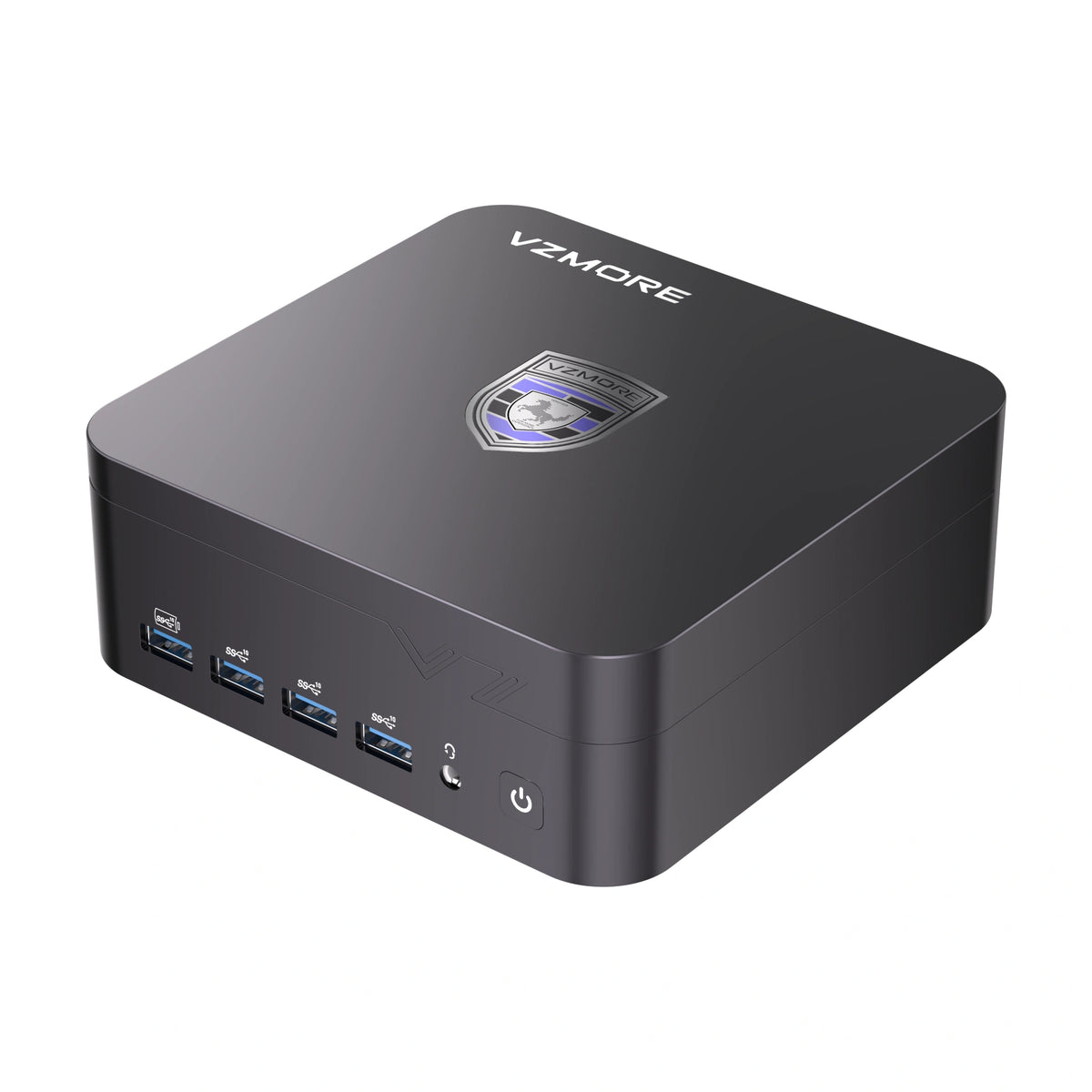
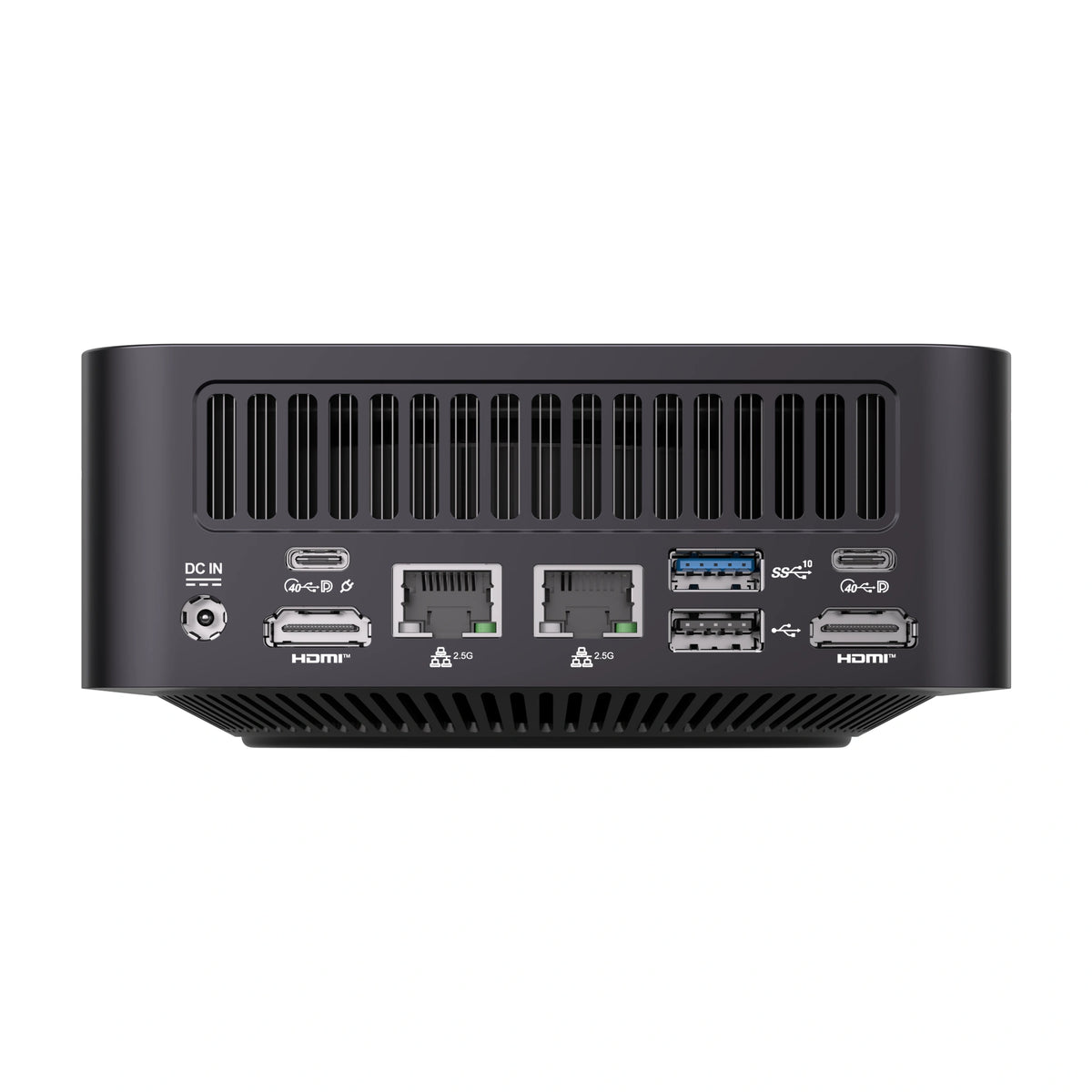
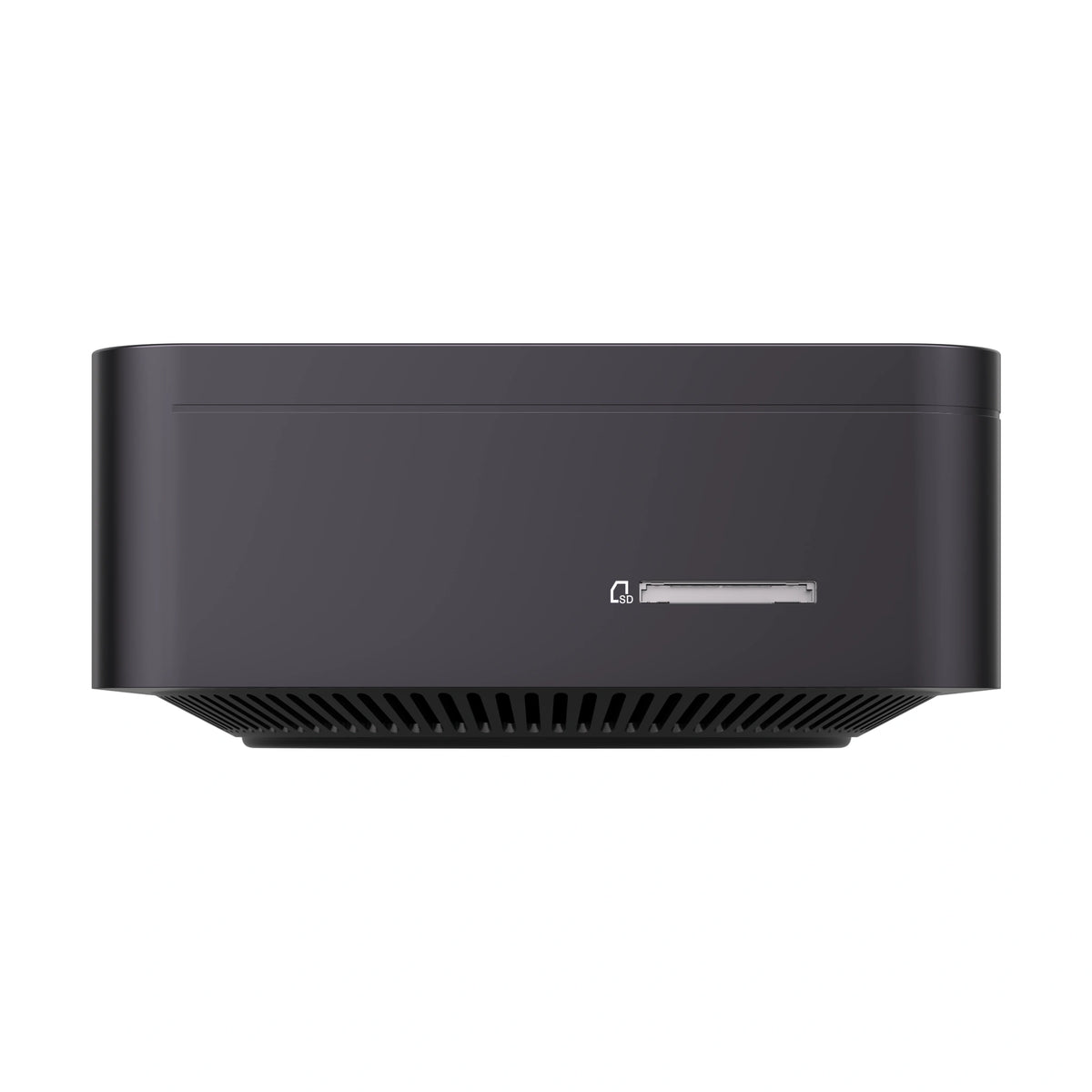
Explore compact, powerful mini PCs designed for office work, multitasking, programming, AI applications and modern professional workloads.
Switching from Mac to Windows Without Losing Your Files
If you decide to move to a Windows mini PC, you will also need to transfer the files and services you use every day.
To move documents from a Mac to Windows, you can use iCloud Drive, a cloud storage service or an external drive formatted in exFAT. This file system can be read from and written to by both macOS and Windows.
-
iCloud for Windows: Provides access to iCloud Drive, iCloud Photos, passwords and other synced content.
-
Apple Devices: Primarily used to manage, sync and back up an iPhone or iPad from a Windows PC.
-
External storage: A practical option for transferring large collections of documents, photos and videos.
You should also be aware that some keyboard shortcuts are different. Windows normally uses the Control key for actions that use Command on macOS. The Magic Keyboard and Magic Mouse can work with Windows, although some features may require additional software or drivers.
Finally, check whether the Mac applications you rely on have Windows versions and how to export their data. Some Apple applications do not have a direct Windows equivalent, so you may need to find an alternative before switching.
Frequently Asked Questions
Is Windows Less Secure Than macOS?
Not necessarily. Windows 11 includes Microsoft Defender and Windows Hello, and relies on hardware requirements such as TPM 2.0. Available encryption features depend on the Windows edition and device configuration.
On macOS, FileVault provides storage encryption, while Secure Enclave protects keys and authentication data on supported devices.
With both operating systems, security also depends on keeping software up to date, using strong passwords, configuring the system correctly and following sensible security practices.
Can You Install Windows on a Mac with an Apple Chip?
Macs with Apple silicon do not support Boot Camp. On these computers, Windows 11 ARM can run through virtualisation software such as Parallels Desktop.
Boot Camp is only available on certain older Intel-based Mac models.
Do You Need Windows 11 Pro to Use WSL?
No. WSL can also be installed on a compatible Windows 11 Home edition. You do not need to upgrade to Windows 11 Pro to use the Windows Subsystem for Linux.
Does a Mac Last Longer Than a Windows PC?
The lifespan of a computer depends on its model, hardware and how it is used.
Apple generally supports Macs with macOS updates and security patches for several years, although the support period varies between models.
Some Windows PCs can extend their useful life through hardware upgrades or repairs, provided their components remain compatible with current operating system requirements. The ability to replace RAM or storage can be particularly useful if your workload changes over time.
Conclusion: Mac or Windows?
If you regularly use several devices in Apple's ecosystem or rely on applications such as Final Cut Pro and Logic Pro, a Mac can be an excellent choice. Its main advantage is the close integration between hardware, software and services.
If you need broader compatibility with software and peripherals, want to play PC games, use Linux tools, run AI models locally or choose a computer that can adapt to changing requirements, a Windows mini PC will generally offer more configuration options.
Ultimately, the right choice depends on the software you use, the amount of memory and storage you need, and how much flexibility you want in the long term.
Explore the VZMORE mini PC range to compare systems designed for office work, content creation, AI workloads and gaming.

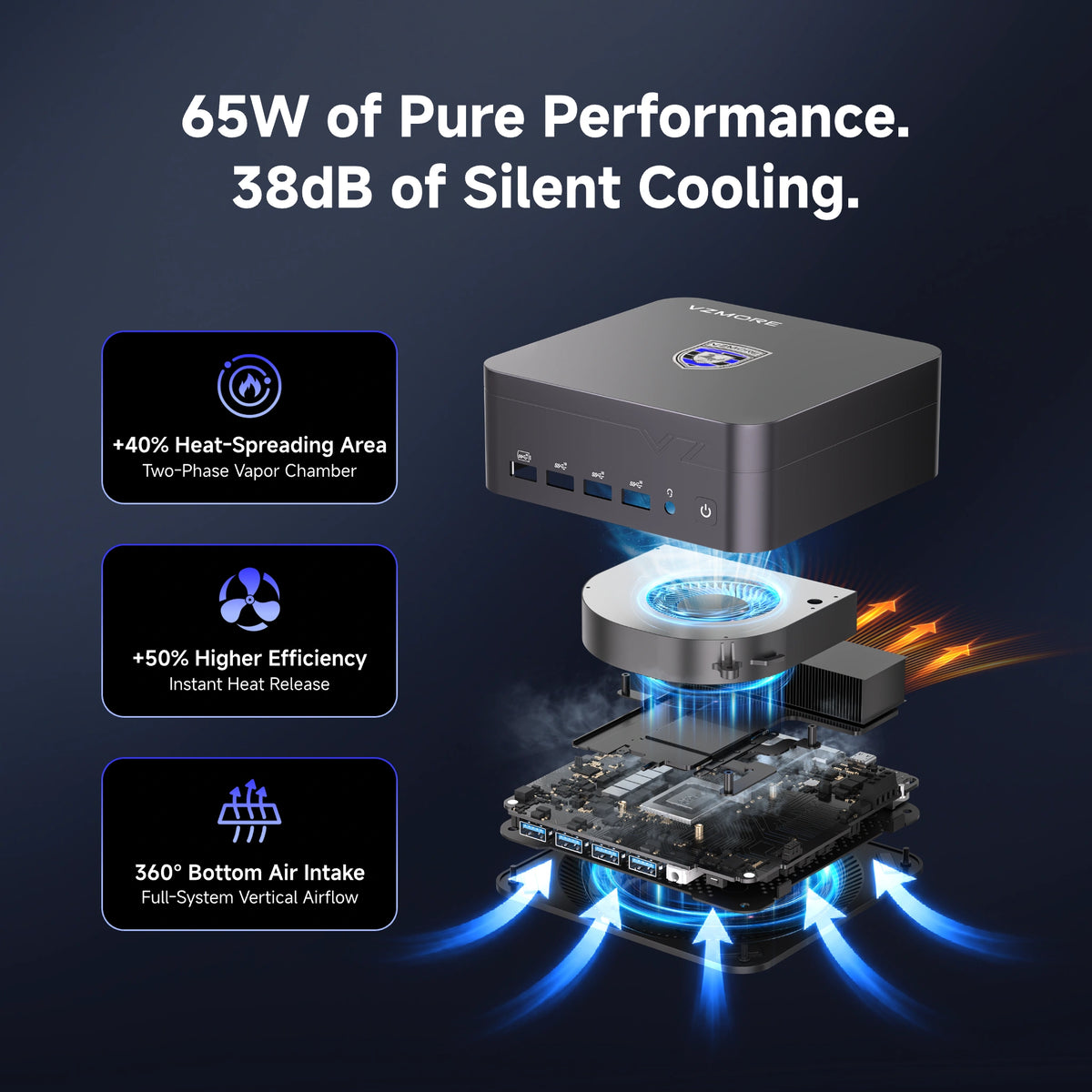
VZMORE is a leading manufacturer of AI Mini PCs. Our systems combine whisper-quiet VC cooling, high performance, and intelligent AI processing power—tailored for demanding applications in home offices, creative workflows, and edge computing. Enjoy free shipping on all orders.
Recommended Product





Related Articles

Subscribe to Newsletter
Get the latest news, product updates, and exclusive offers delivered straight to your inbox.